

Appearance
Your first opening
Choose a pack, review the details, and follow your purchase through to its result.
For the direct wallet flow, each purchase has its own USDC payment. For upfront funding and repeated openings, see Classic and credit openings.
Get ready
Open Ript and use the account or wallet flow shown there. For the incoming USDC pack flow, your wallet needs enough USDC for the purchase and SOL for network fees and any required token-account creation.
From selection to collection
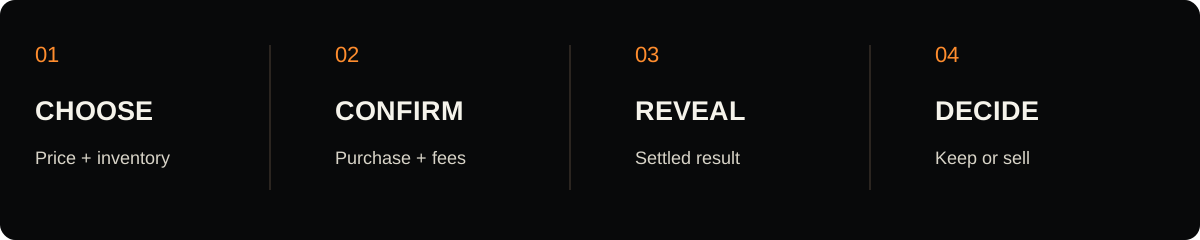
- Select an available pack. Check the price, eligible cards, and tier odds. A pack may be temporarily unavailable while inventory or launch checks are completed.
- Choose the quantity offered by the interface. The new program supports batches of one to ten openings. The interface may offer fewer choices.
- Review the wallet request. Check the purchase total and network fee before approving. A rejected request does not complete a purchase.
- Wait for confirmation and settlement. Payment confirmation and the card result are separate stages. Keep the page open while it checks your order.
- Review your result. Check the card identity, grade or raw status, and recorded value. Then keep it or review the sellback amount.
If the reveal takes longer
A delayed animation does not tell you whether a transaction succeeded. Check the order status before starting another purchase. Keep the transaction signature if you need help.
The program includes a refund path for expired, unsettled orders. Refund eligibility depends on the order state; closing the page or cancelling an animation does not itself refund a confirmed payment.
Next: Keep or sell your cards. Having trouble? Opening help.